Aschehoug, Spinnvill
In collaboration with Aschehoug, this project explored new ways of creating interactive learning experiences for primary school students. We developed Spinnvill, a digital classroom game that combines collaboration, creativity, and science education through playful interaction and visual storytelling.
Project Overview
This project was a collaboration with Aschehoug, one of Norway’s largest book publishers. In addition to publishing physical books, Aschehoug has developed a digital platform for creating interactive learning tools for pupils.
Our project, “Spinnvill,” is an interactive educational game designed for classroom use on a large screen. The game engages students through smaller and larger tasks within various topics in science studies (naturfag).
Spinnvill helps teachers create fun and varied lessons that motivate students to learn, reflect, and find creative solutions. It strikes a perfect balance between analog and digital learning — played on-screen, yet requiring physical participation and collaboration within teams. Students’ projects are collected in a shared class library, where they can revisit material for repetition, and teachers can gain insight into each student’s understanding of the topic.
Process
We were given a brief — a collaboration with Aschehoug to develop interactive learning tools for primary and secondary school students. I worked in a group with Lina and Tiril. In the initial phase, we focused on reading through curriculum frameworks, conducting research, and speaking with teachers and teacher students within our network. I received valuable insights from my good friend Hannah who is a teacher in religion and social studies for grades 5–7.
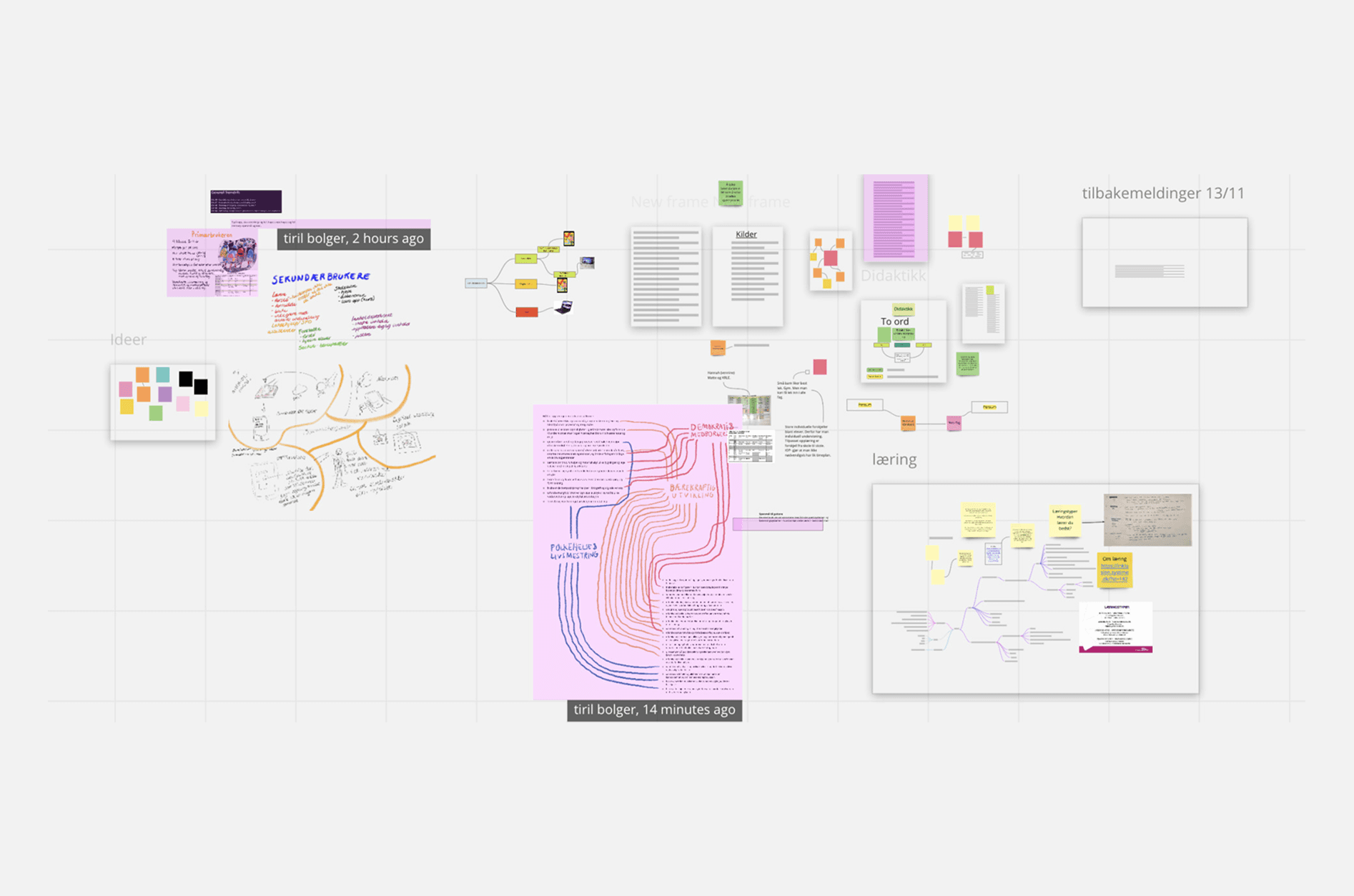
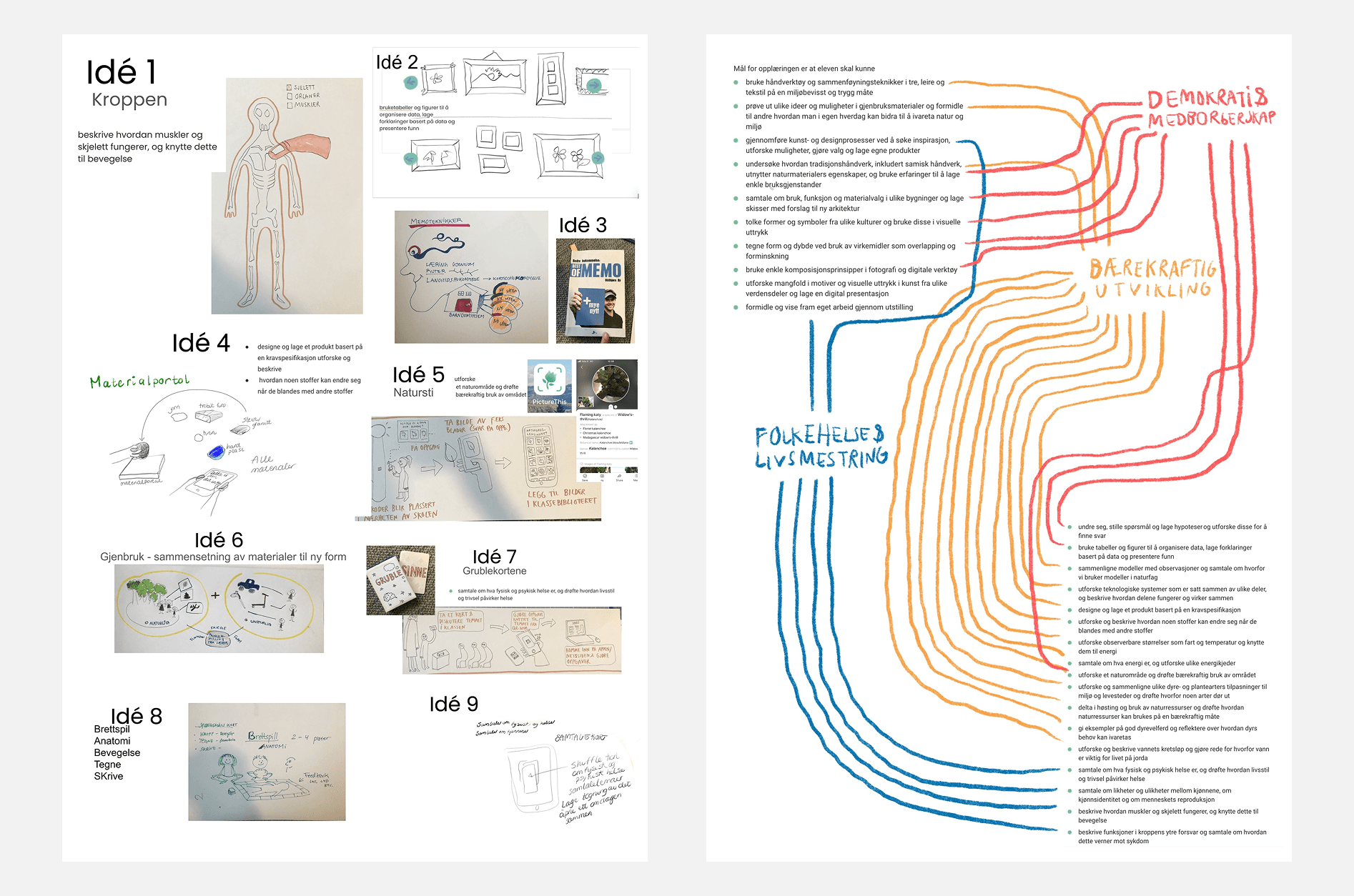
We began collecting information in a shared digital document. Early in the project, we decided to focus on grades 1–4 in primary school, and we considered working with either arts and crafts or science as our main subject area. We kept both subjects in mind throughout the idea development phase but gradually leaned more toward science as the project progressed.
We used the curriculum goals for grades 1–4 in science and arts and crafts as our starting point and looked for overlaps between the two subjects. By comparing them, we gained a clearer understanding of how we could approach the project. This overview made it easier to begin the sketching and ideation process. We started sketching out different ideas we had.
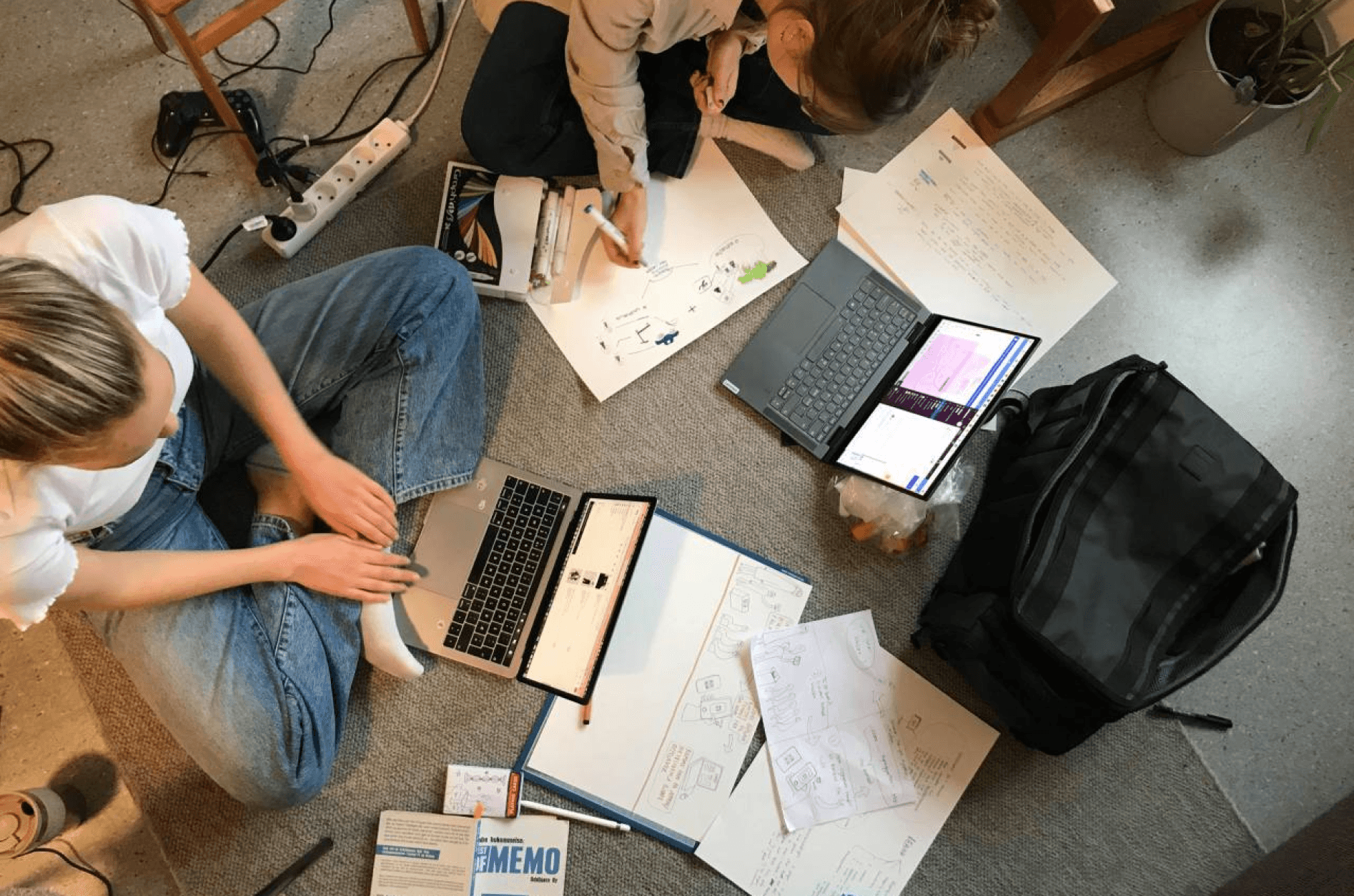
Here is a photo of us working.
A short video showing parts of our sketching and ideation process.
In the further development of the project, we arrived at the following project statement:
(Norwegian) “Hvordan kan vi lage en ramme for et aktivt læringsrom, der elevene i samarbeid kan utforske ulike måter å komme opp med løsninger og dele tanker og hypoteser innenfor naturfag?”
We decided to adjust the target group from fourth-grade to fifth-grade students. We continued to focus on science, but with the following curriculum goals:
undre seg, stille spørsmål og lage hypoteser og utforske disse for å finne svar
beskrive funksjoner i kroppens ytre forsvar og samtale om hvordan dette verner mot sykdom
We continued sketching and testing ideas, exploring different ways to design an educational game. We also worked individually at times, before coming together to share and combine our ideas. Some of the early concepts included board games with QR codes, card games, and interactive drag-and-drop activities for iPad.
We had to make some active choices and set aside a few of our initial ideas. For my part, that meant letting go of the board game and card game formats, which felt too analog, while others in the group also had to move on from ideas they were attached to. Fortunately, we managed to meet in the middle and agree on a shared vision for how we wanted to move forward. We decided that the learning activity should take place in groups — for example, groups of four — where students would solve tasks displayed on a large screen or projector in the classroom.
To visualize our ideas and work more cohesively as a group, we created paper prototypes. We wanted to introduce an element of excitement, so we designed a spinning wheel — inspired by those found at funfairs — that would determine which group received a question to answer. This concept is shown in the paper prototype in the image under.
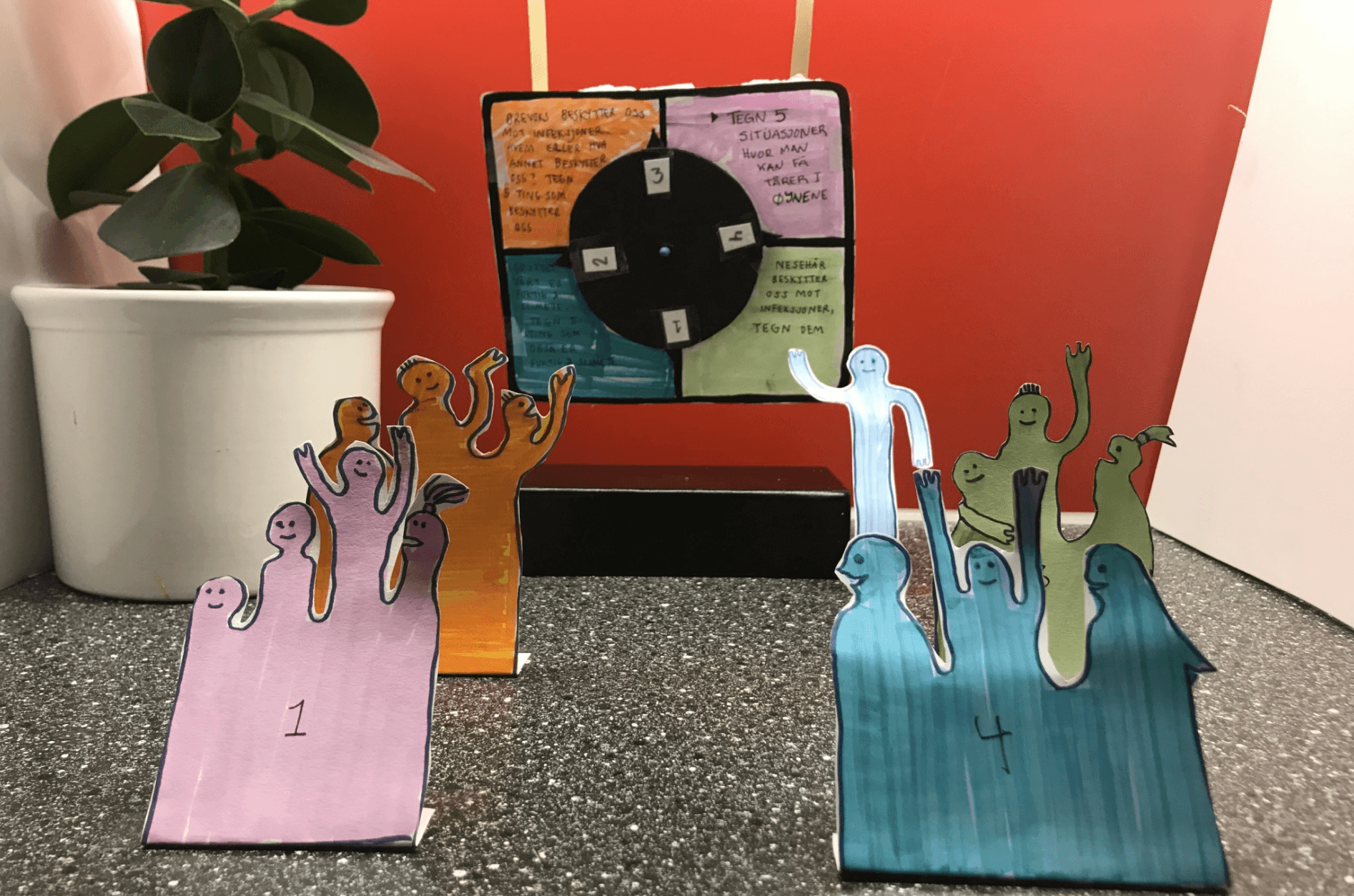
Video from our paper-prototypes.
We received feedback on our process so far and decided to lean into the plan outlined below.
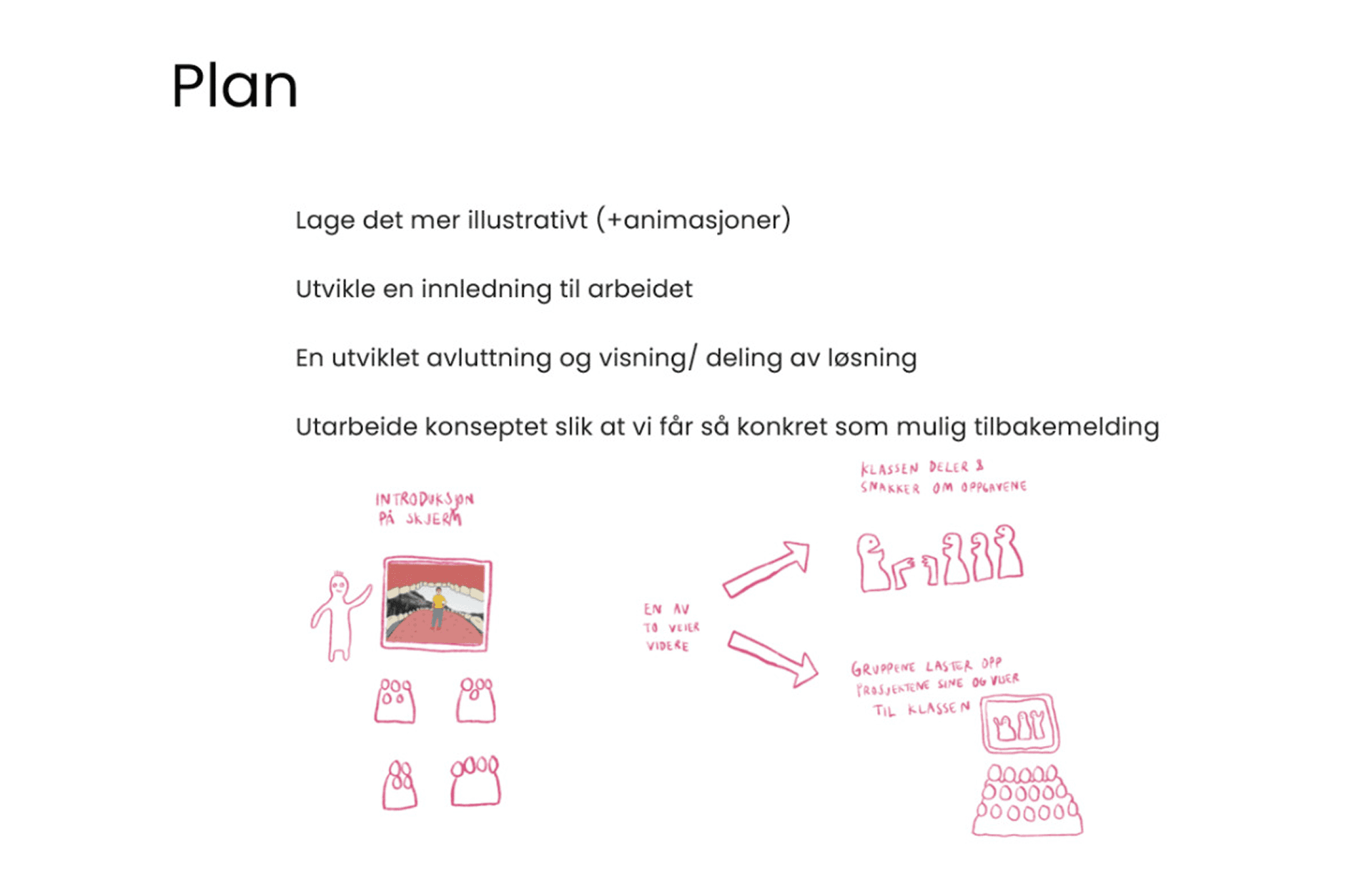
We began the next phase by formulating a new project statement, which read as follows (in norwegian):
Hvordan kan man gjennom en prosjektor skape en konstruktiv og engasjerende naturfagstime som inkluderer og motiverer alle elevene i læringsprosessen?
We dedicated much of our time to developing the visual identity and used Procreate on iPad as our main tool for creating illustrations. Eventually, we found the name for our educational game: “Spinnvill.” We experimented with different visual effects for the illustrations and title, and ended up creating graphics that spin around the main heading.
Each illustration represents one of the chapters from the science textbook Solaris 5–7.
Toward the end, we discussed several ways the game could conclude and ultimately decided that it should end with a digital library. Here, students can upload their projects, and parents can gain insight into what their children are working on. The platform also includes space for students and teachers to discuss, share, and present their work within the classroom setting.

We also refined the rotation mechanic used to assign tasks. The large “carnival wheel” turned out to be too bulky and impractical, so we experimented with new ways to rotate questions — and later, how to present and switch between different answer options.
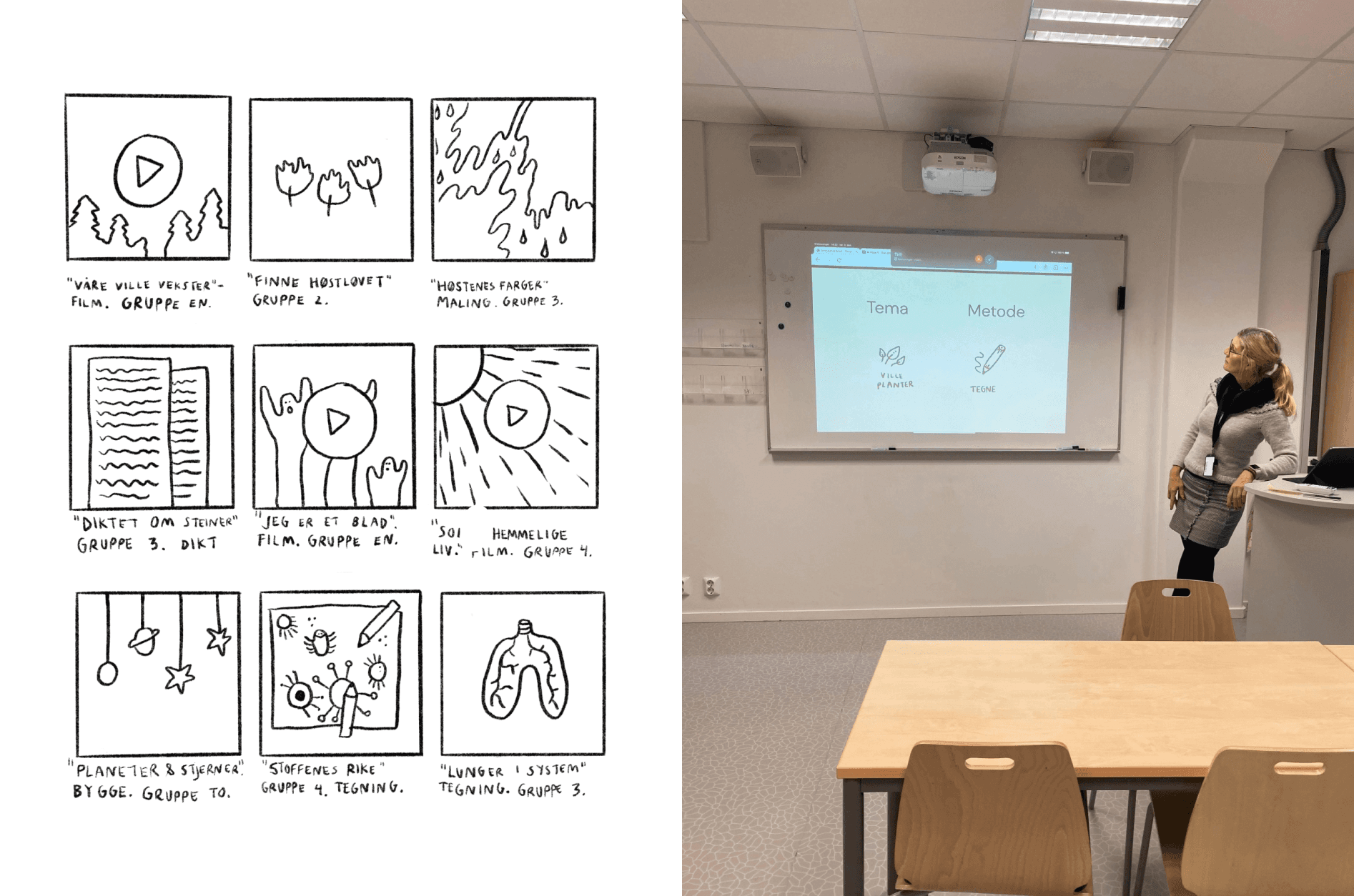
We designed a dedicated teacher interface, allowing teachers to filter chapters and answer types to better adapt the lesson to the day’s context. Over time, the game’s structure became clearer: the optimal format would be for a single Spinnvill session to last one school hour, during which students complete four rounds (four tasks).
Finally, we conducted a user test with a teacher, who responded positively to the overall concept but also offered constructive feedback. She noted that the names of some chapters were not immediately clear and suggested making them more descriptive. She also emphasized the need for visible “next” and “back” buttons, as it was not always obvious where to click. She reminded us that older teachers might be less comfortable navigating digital interfaces compared to younger generations.
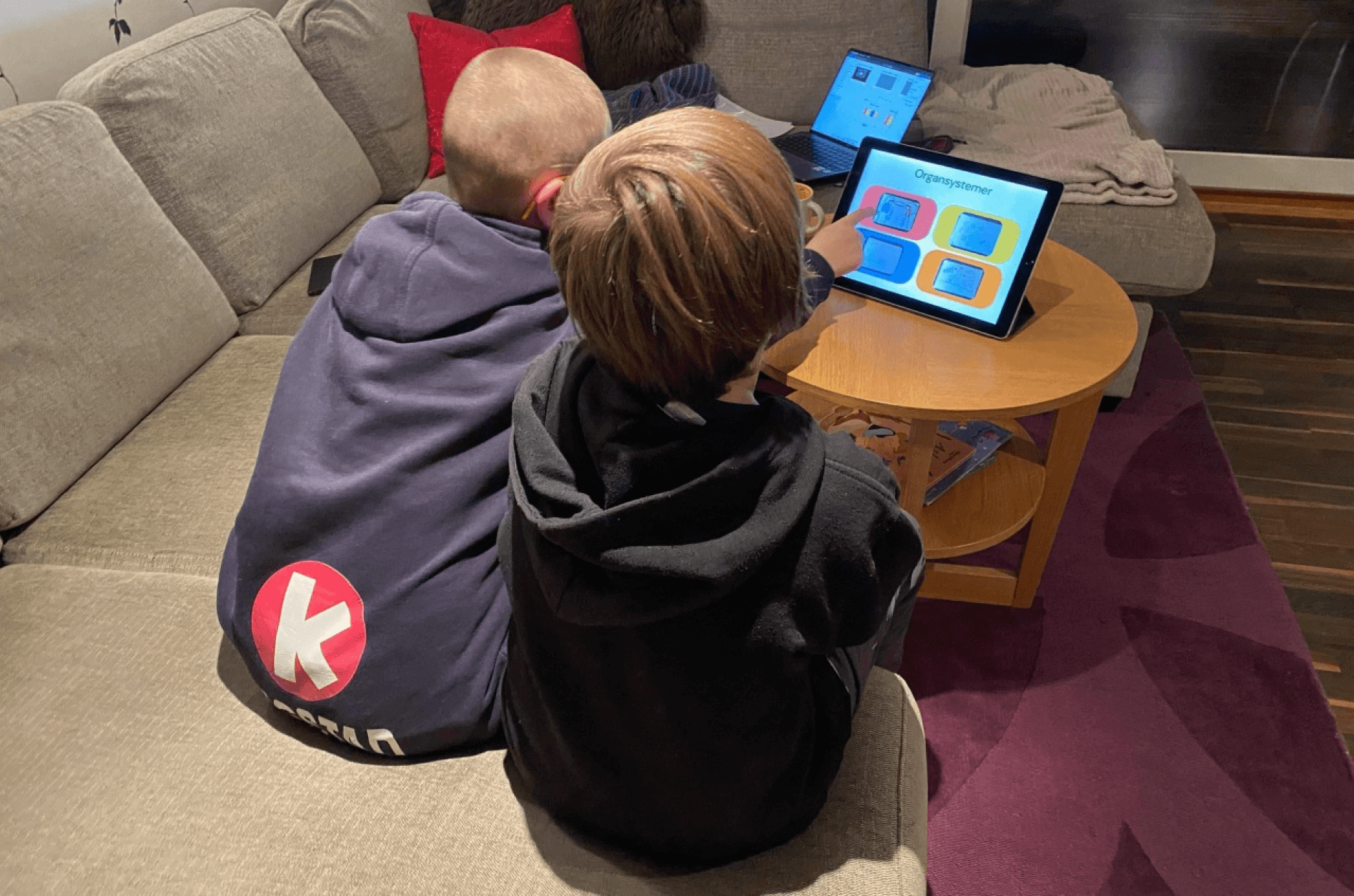
We conducted a user test with one teacher and two students, aged 10 and 12.
Here are some of the questions and responses we collected during the session.
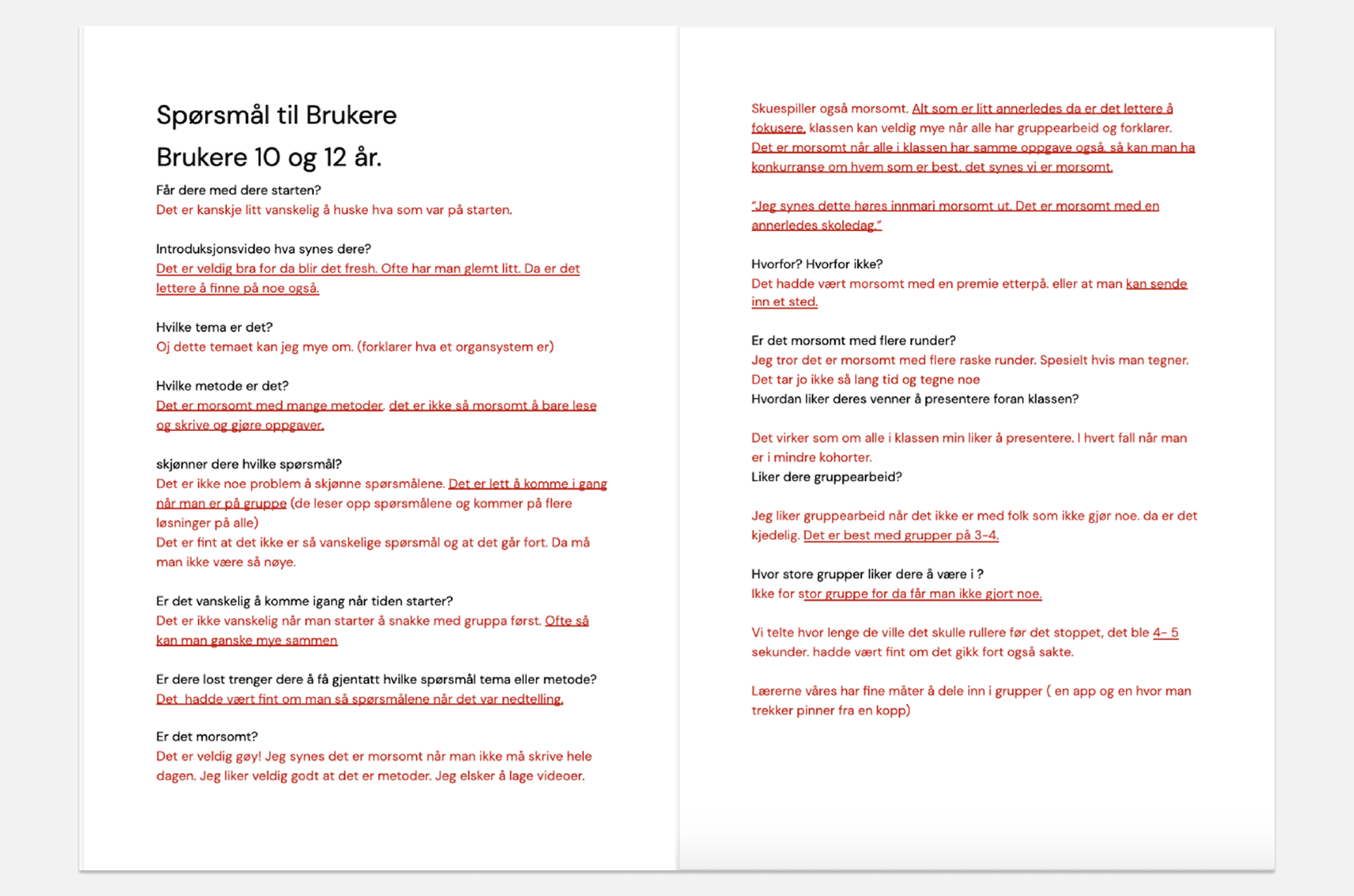
It was incredibly refreshing to test the game with children. It’s easy to assume that we, as designers, can fully understand a child’s perspective — but that’s not always the case. For example, we initially believed that the competitive aspect of a learning situation should be avoided, but it was interesting to see that the children didn’t necessarily agree.
We also made a major change during this phase: separating the task rotation (chapters) and the answer method rotation onto two different sheets. At first, we had planned for both the tasks and the answer methods to rotate four times throughout the game. However, we later decided that each game session should focus on one chapter only, while the answer methods would rotate four times instead.
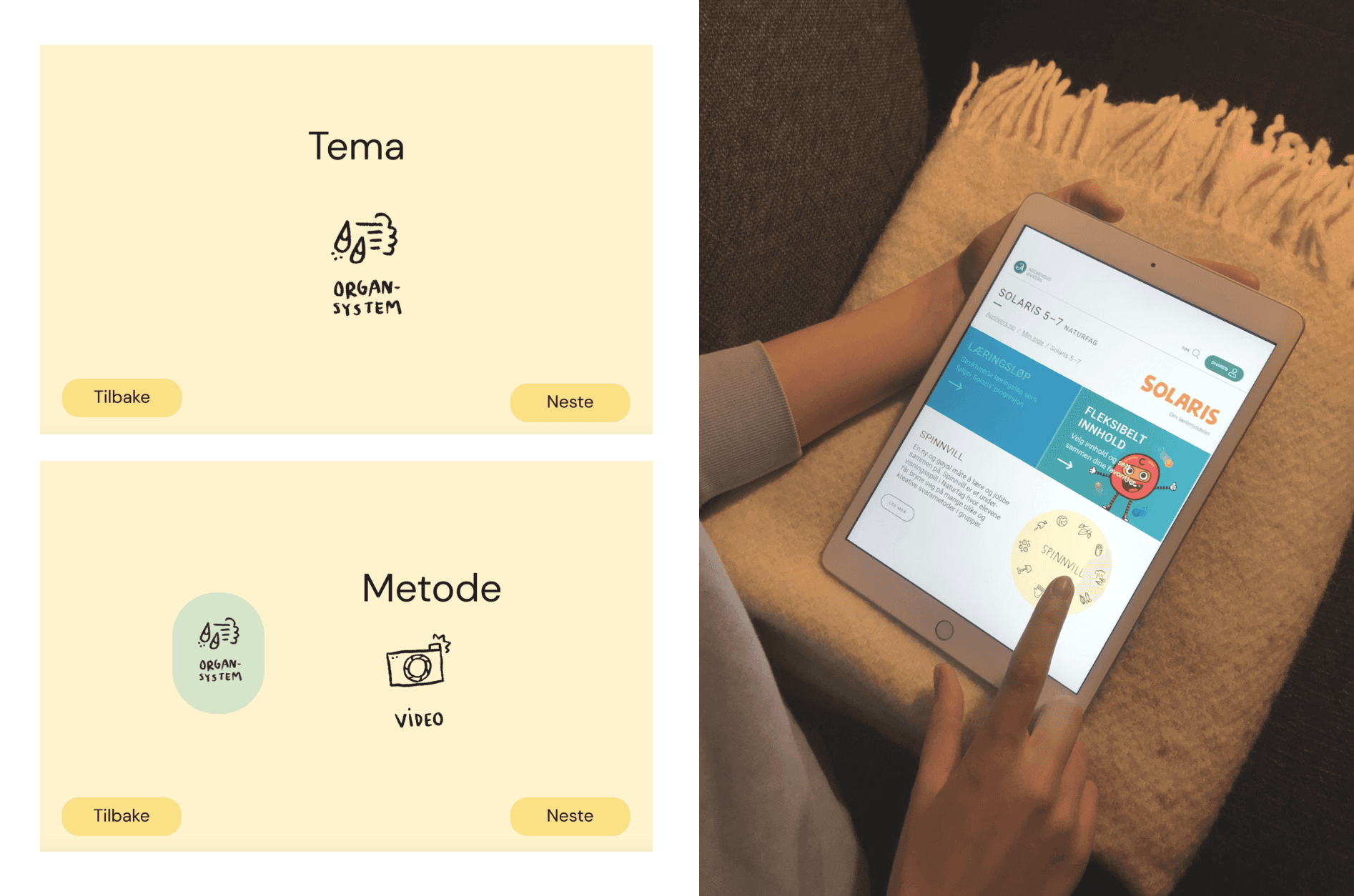
Finally, we decided that Spinnvill should be a web-based game, accessible through Aschehoug’s digital learning platform rather than as a standalone app.
Here is an example of how the interface could look (picture on the right:)
Changes made before finalizing the project:
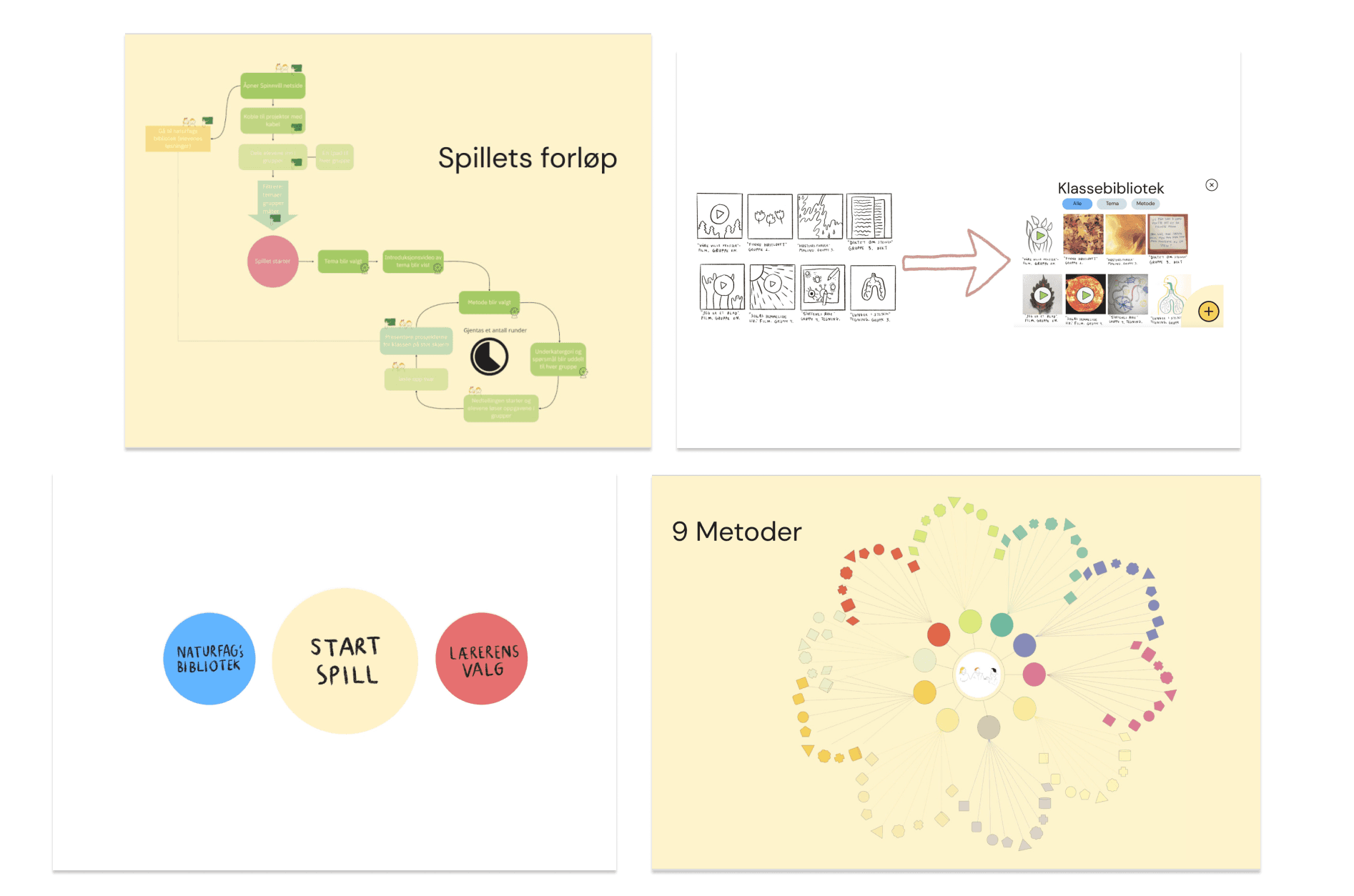
We refined the science library to make it clearer and easier to understand, moving away from an illustrative design toward a more realistic visual expression.
We also received feedback that having the teacher’s settings appear at the very beginning of the game felt somewhat anticlimactic. To address this, we created a dedicated start page before the game begins, where the teacher can adjust settings without interrupting the gameplay itself. When “Start Game” is selected, the game now begins immediately — without filters or configuration menus appearing first. The science library was also added as an option on this start page.
To clarify the structure of the game, we developed a visual overview illustrating its many possible combinations. We used a flower motif that zooms in progressively throughout the presentation to emphasize our key points.
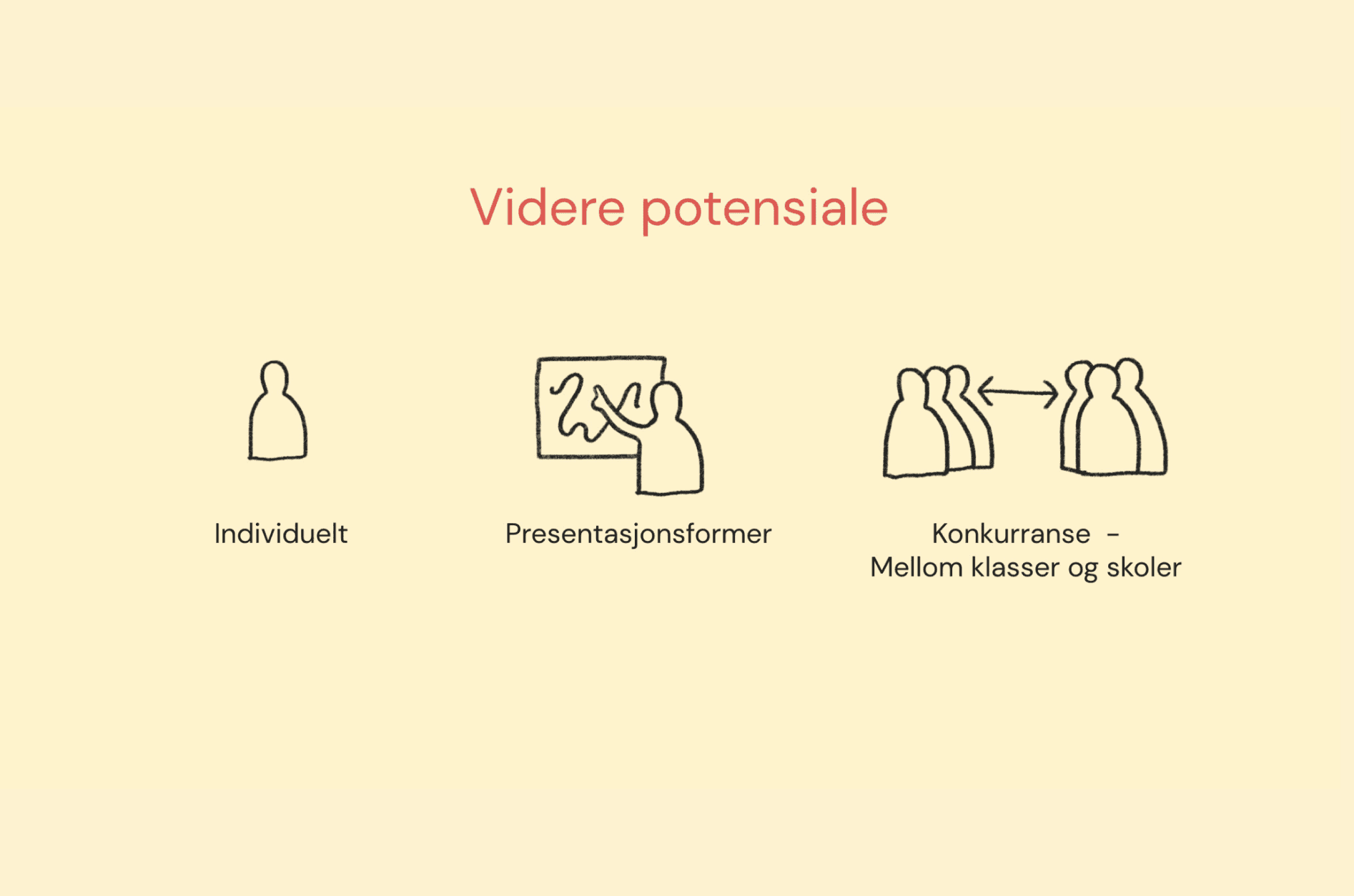
Toward the end, we identified three main directions for further development:
Exploring the possibility of individual work, where students complete tasks on their own before presenting within their groups.
Allowing for different presentation formats, giving students the freedom to choose the response method they feel most comfortable with.
Considering the balance between competition and collaboration, as the children aged 10 and 12 who tested the game expressed that they enjoyed the competitive element. Could the game, for instance, include competitions between different classes or schools?